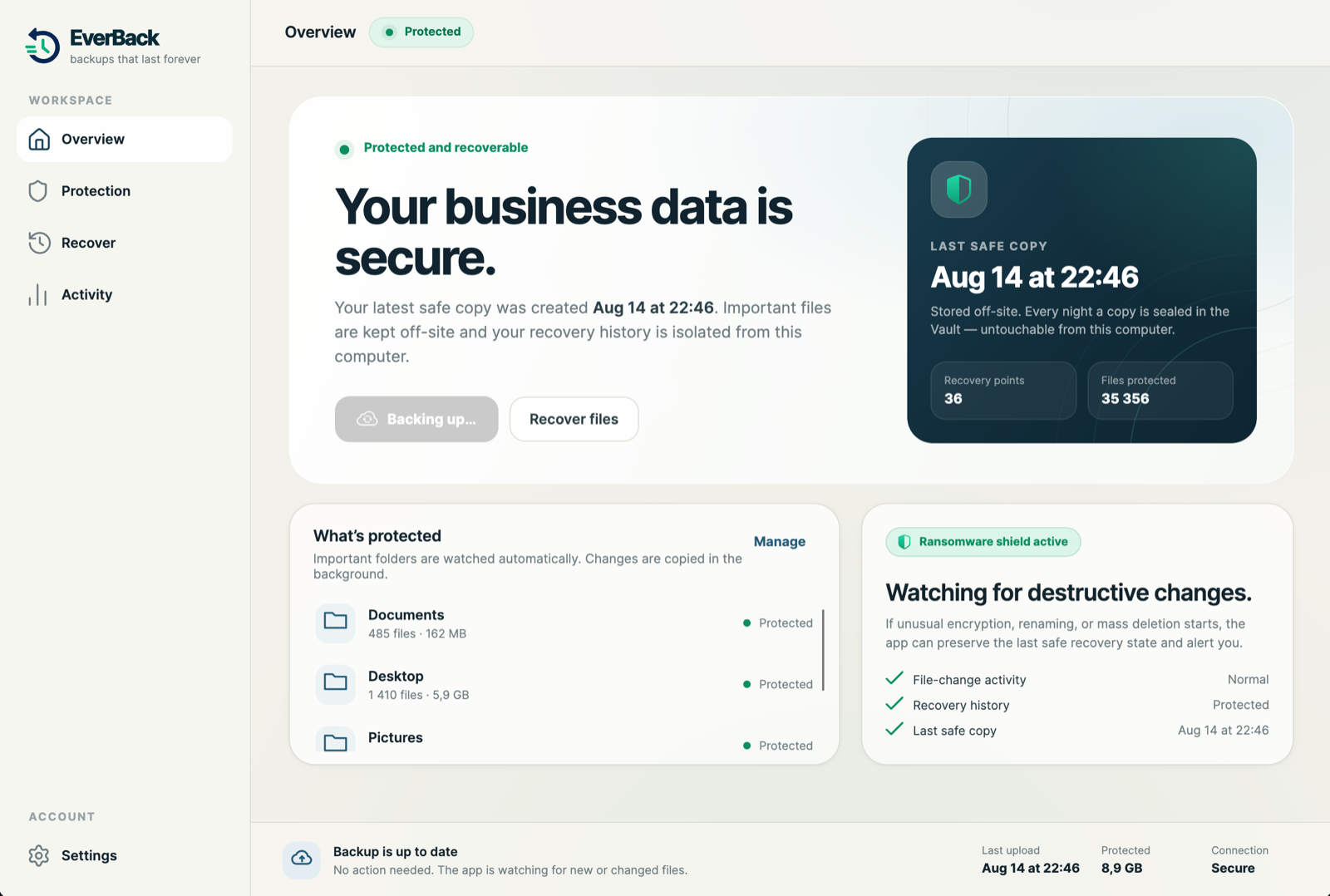
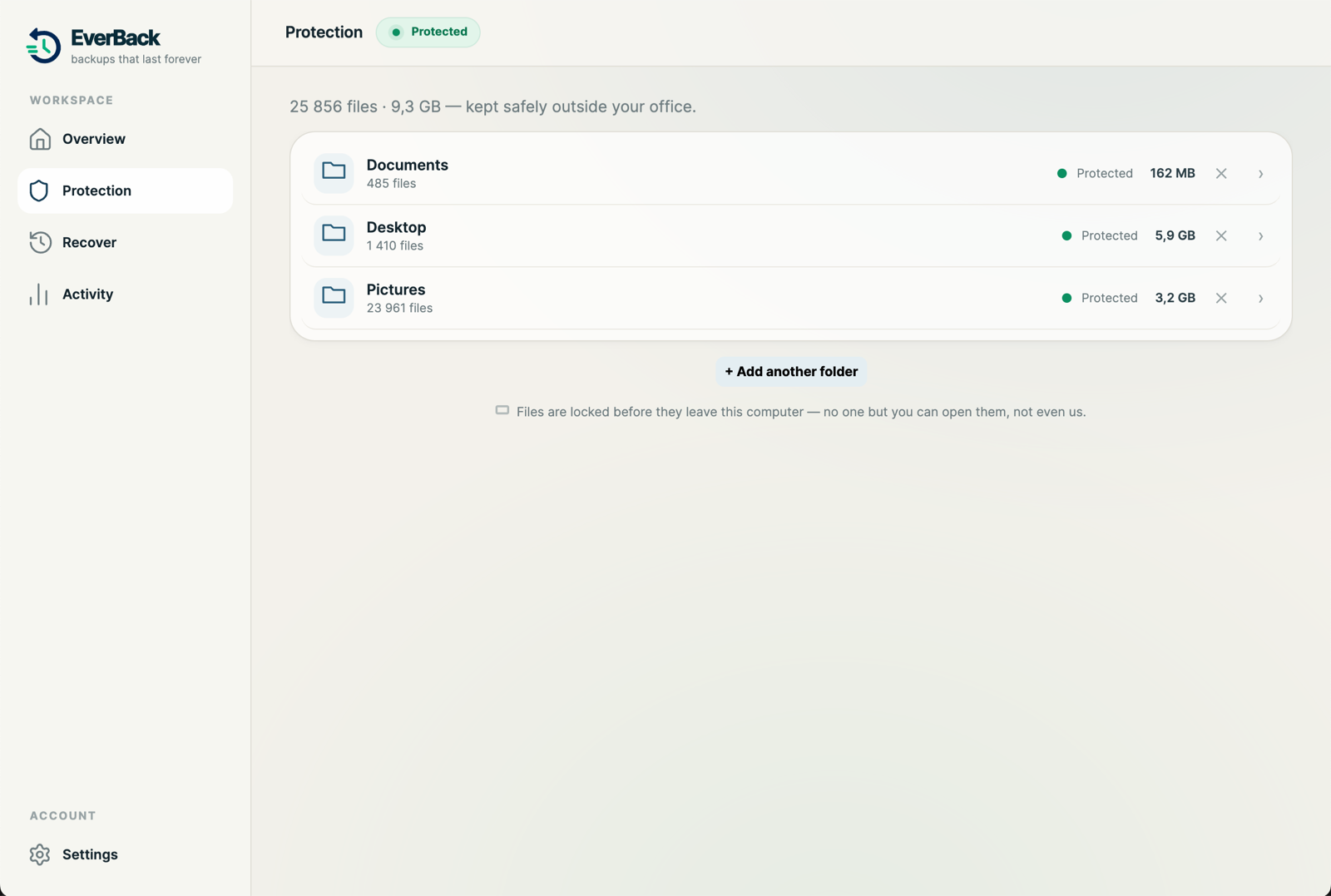
EverBack is a small app that runs on your computers. It copies your files every hour and never deletes a copy. Every night it seals one copy where nothing on your computers can touch it. This page explains exactly how.
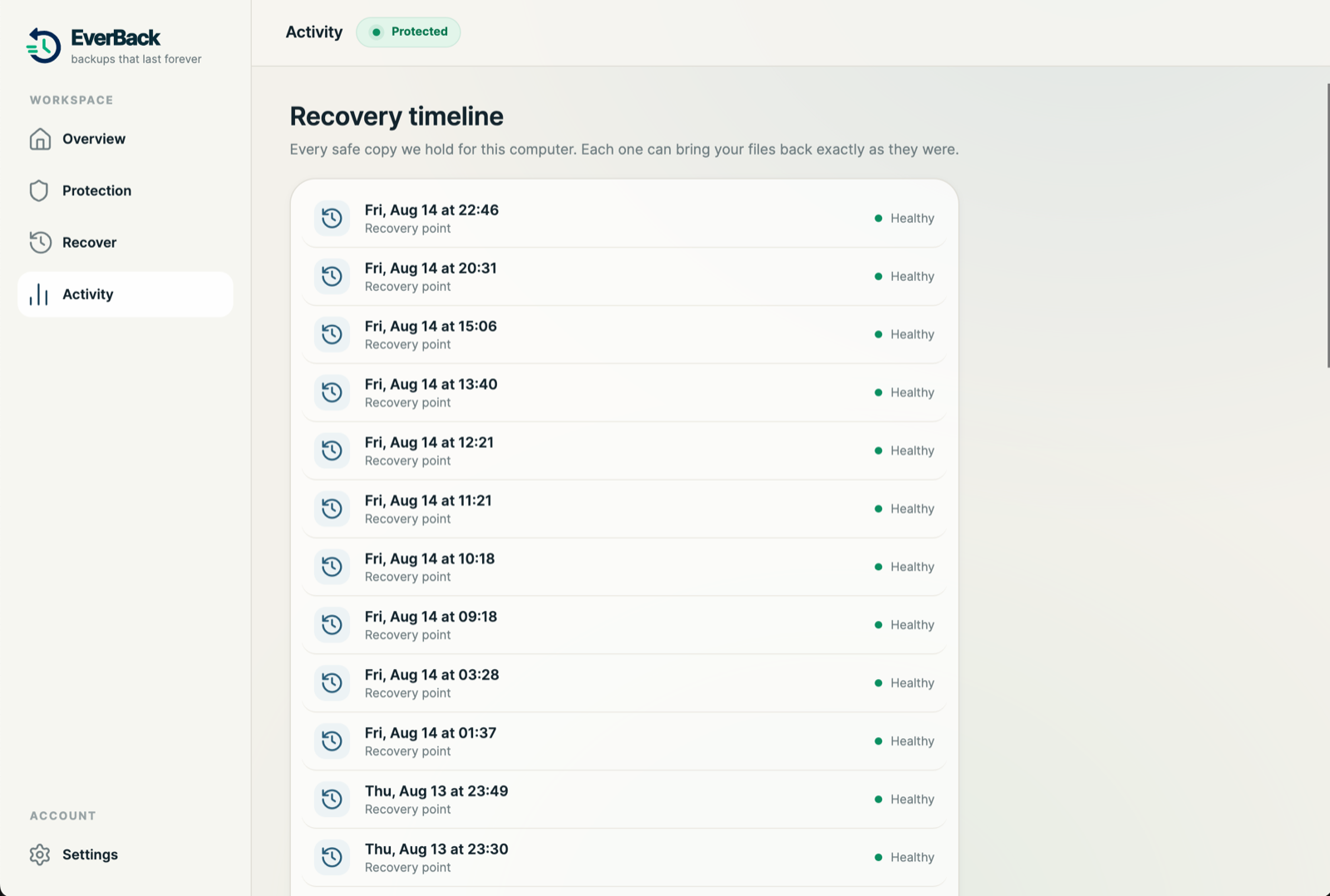
A copy of your files every hour. Hourly detail is kept for 30 days. After that, one copy per day, kept for as long as you are a customer.
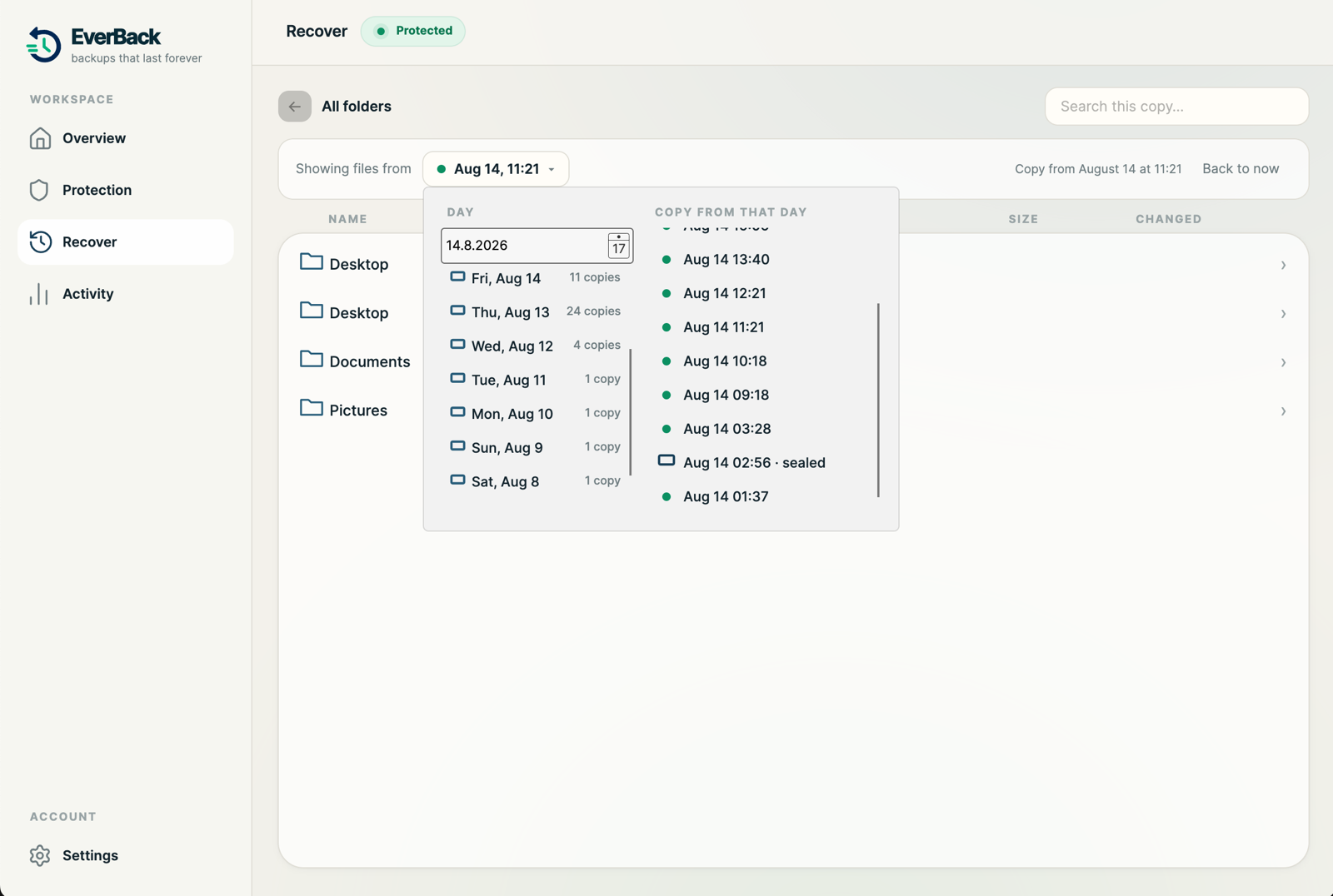
Pick March 14, 2023 from a calendar and browse your folders exactly as they were that day. Bring back one file or a whole folder.
Click a file and see each version we hold: when it changed and how big it was. Restore any of them. Nothing is ever overwritten. Copies come back next to the original.
We store what changed, not full copies each hour. Ten years of history typically costs a fraction more than one backup. That is why forever is included, not an add-on.
Every night, one copy is sealed at the storage layer. Your computer has no credentials that can change or delete it. Neither does ransomware running on your computer, no matter what it steals.
The worst case: an attacker with full control of every machine you own, deleting every backup they can reach. The Vault is what they cannot reach. The last 10 nights survive. On Pro, 30.
Pick a night in the app and bring back a file, a folder, or everything, exactly as it was before the attack. Critical folders come back first, so you are working again in minutes.
During development we used a machine’s own credentials to try to delete its Vault copies. The storage refused every file. That test is repeatable and we will happily show it to you.
Search a file’s name, or browse your folders at any point in time. Every restore lands next to the original, named “(restored)”. Nothing is ever overwritten.
Find it: type part of a name, or open the folders as they were on any day.
Pick the version: versions are listed by when the file actually changed, with sizes. No duplicates, no guessing.
Bring it back: one click. The copy appears next to your file. The original stays untouched.
Or bring everything back: after an incident, one button restores your protected folders from the copy you choose, critical data first.
New computer?: install EverBack, sign in, press restore. Everything arrives where it was.
Short version below. Full architecture on the security page.
Client-side encryption: files are encrypted on your machine before upload, with a key generated there. We store sealed data we cannot read.
Open format: backups use an established open-source repository format. With your key, a competent engineer can restore your data even without EverBack.
Isolated storage per customer: your backups live in their own storage with their own credentials. One customer, one vault. One infected device cannot touch another device’s copies.
Immutability at the storage layer: Vault copies are point-in-time snapshots enforced by the storage system itself, not by software running on your computers.
Deduplicated and compressed: only changed data travels. After the first backup, hourly runs typically move megabytes, not gigabytes.
A small background service plus a simple app. Backups run even when nobody is logged in. Bandwidth is throttled during working hours so the office internet stays fast.