Why EverBack

Most backup products are built to forget.
Ours is built to remember.

The backup industry has quietly trained everyone to accept three things: your history expires, your backups die with your machines, and restoring is somebody's support ticket. We reject all three. Here is exactly where we differ, and from whom.

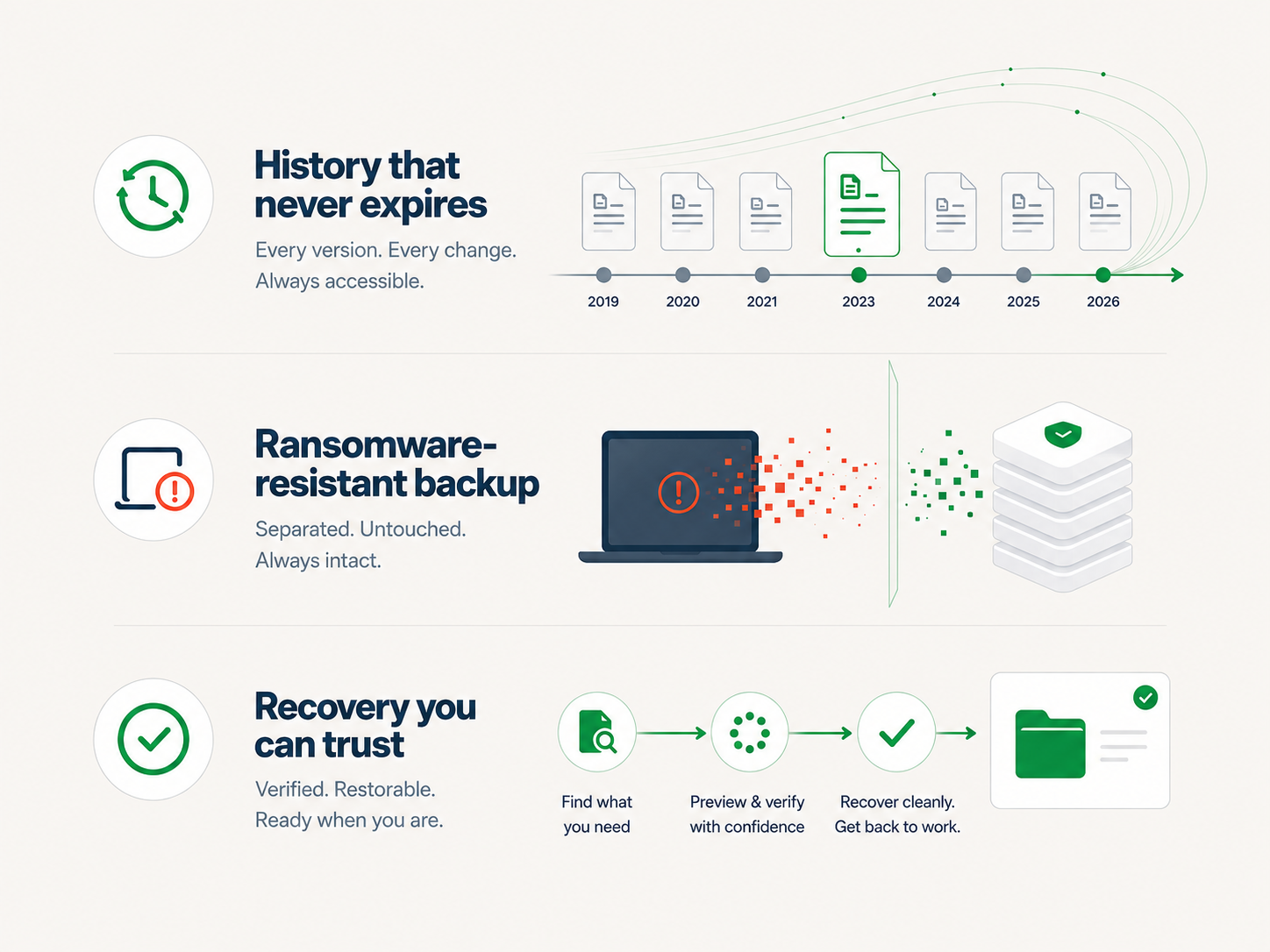
Other backup products delete your history after 30 days. EverBack keeps every copy.
The competition, honestly

What they don't put on their pricing page.

Sync services are not backup.

OneDrive, Google Drive, Dropbox. When ransomware encrypts your files, sync does its job perfectly: it uploads the encrypted garbage everywhere, fast. Version history helps until you learn it is capped, per file, and restoring ten thousand files one by one is nobody's plan. Sync spreads your files. It does not protect them.

Retention windows are amnesia you pay for.

Most backup products keep 30 days. Some keep 90. At least one major one sells "keep my own files longer" as a paid add-on. Think about that: you pay them to store your data, then pay again so they will not throw it away. We keep every daily copy for as long as you are a customer. Included. Because deleting your history should not be a business model.

A backup your computer can delete is not a backup.

External drives and NAS boxes sit on the same network with the same passwords. Ransomware operators find them first, on purpose. Most cloud backup agents hold credentials that can wipe their own history. Our Vault copies are written once and sealed at the storage layer. The machine that made them can read them and restore from them, but it cannot change them. Neither can anything running on it.

Enterprise suites assume you have an IT department.

The serious ransomware-resistant products exist. They are sold per socket, configured in consoles with forty screens, and installed by consultants. If you have an IT team, they are fine. If you are a 20-person company, you are not their customer. You are ours.

Your backups should not be hostages of your backup vendor.

Proprietary formats mean the day you stop paying, your history is theirs, not yours. EverBack stores your data in an established open-source format, encrypted with a key only you hold. With that key, a competent engineer can restore everything without us. We think you should stay because it works, not because you are trapped.
Side by side

Three ways to hold your files. One survives everything.

Sync services Classic backup EverBack
Keeps every version, forever Capped history 30–90 days, or pay extra Yes, included
Survives ransomware on your machines No. It syncs the damage Usually deletable by the agent Vault copies are sealed
Setup Easy Consoles and consultants Three clicks
Who restores you after an incident You, file by file A ticket queue One button, and an engineer on the phone
Can the vendor read your files Yes Sometimes No. Key never leaves your machine
Leaves with your data if you quit Downloads, then history is gone Proprietary format Open format, restorable without us
What makes EverBack unique

Nobody else combines these four.

Forever, by default

Every daily copy kept for as long as you are a customer. Included, not an add-on.

Write-once Vault

Nightly copies sealed at the storage layer. Ransomware with total control of your machines can read them, but it cannot change them.

Three-click setup

Download, open, choose what to protect. Enterprise-grade resilience without a console, a consultant, or a manual.

A key only you hold

Encrypted on your machine before upload, in an open format. Private from us, portable without us. Both, at the same time.

Days EverBack pays for itself

Not just the worst day.

The new laptop.

Buying a new computer used to mean an afternoon of copying, forgetting, and "where did my desktop go." With EverBack: install it, sign in, press restore. Your files and folders arrive exactly where they were. The old machine can go in a drawer. Migration is just a restore.

The deleted file, discovered in March.

You cleaned up a folder in November. In March, the accountant asks for it. Pick a day in October. It is there.

The stolen bag, the coffee, the fire.

Machines are replaceable the moment their contents are. Any computer, restored onto any other computer, from any day.

The ransom note.

The one you bought us for. Every machine encrypted, attackers holding the keys. Your Vault copies never met the attackers. One button, and the business is back.

Get started

Your files, safe by tonight.

Three clicks to set up. The first backup starts immediately, and the first Vault copy is sealed at midnight.

macOS · Windows · Linux · Free to try

EverBack set up on a new computer, files restored where they were.
Next chapter The machine that does it. One app, two systems: the Timeline and the Vault, in detail.