01
Install EverBack.
Three clicks: download, open, choose what to protect. The first backup starts immediately.
EverBack keeps every version of every file, and keeps your history forever. Go back five years to a specific day if you need to. If ransomware hits, one button brings everything back in minutes.
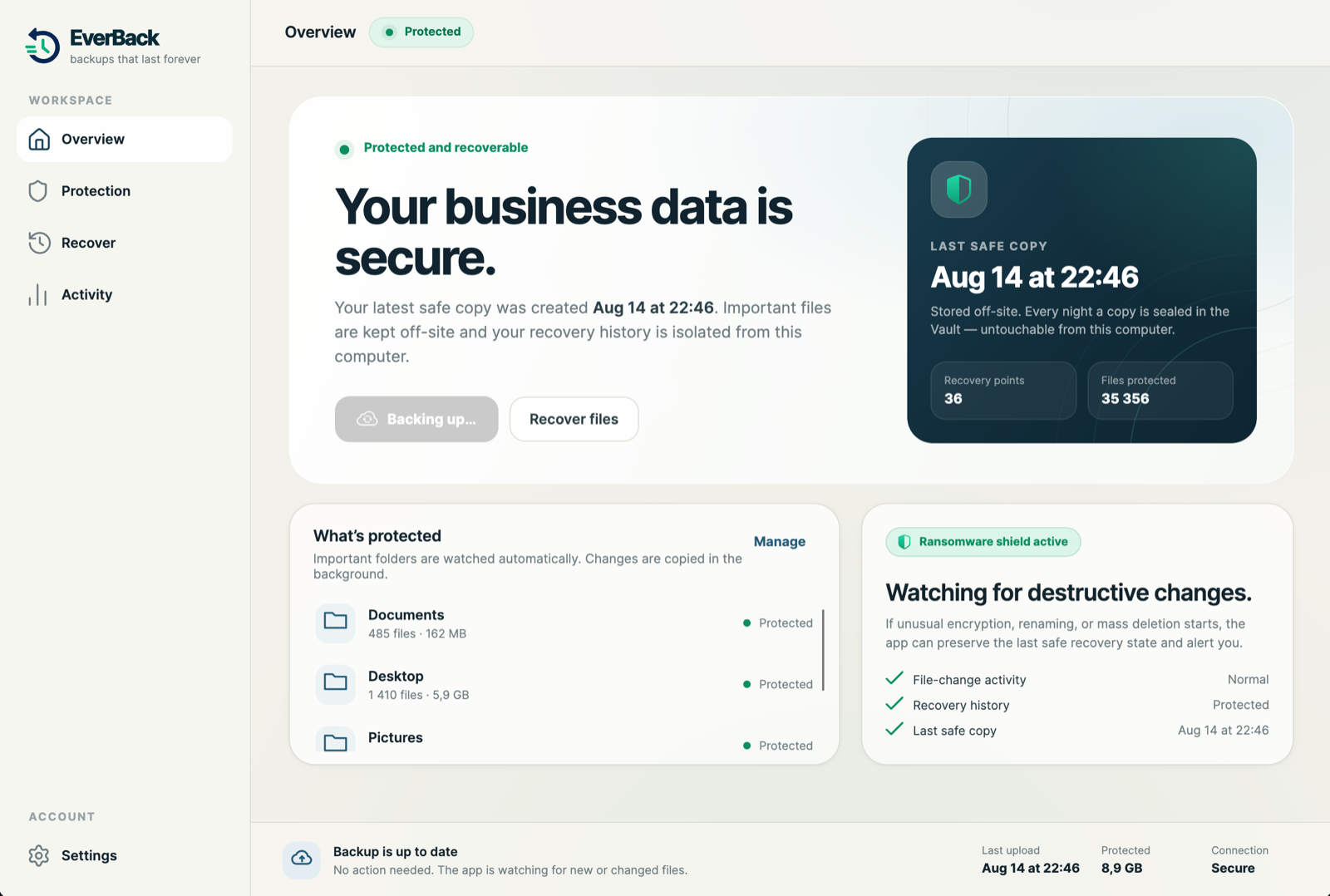
Download it, open it, and choose what to protect: your whole drive or specific folders. EverBack handles the rest.
That is the whole product. You never run a backup by hand and you never clean one up.
Invoices, contracts, photos, databases. If a file changed, the next copy has it.
Pick any day from any year and see your files exactly as they were. Deleted three years ago is not gone.
Your computer cannot change a backup after it is made. Neither can ransomware running on it.
Most products keep 30 days and quietly delete the rest. We keep every day, for as long as you are a customer. Why we built it this way →
Frequent copies while your work is fresh. Then a daily history that stays. The contract you deleted years ago can still have a way back.
Every night, one copy is sealed. Your computer can read it and restore from it, but it cannot change it. A compromised machine cannot compromise the sealed copy. How the Vault works →
EverBack is designed for small businesses that want the protection without becoming backup experts. The full walkthrough →
Three clicks: download, open, choose what to protect. The first backup starts immediately.
Changes are protected throughout the day, while long-term history and nightly protected copies build automatically.
Pick a day, browse your folders as they were, and bring back a file or all of them. It takes a minute and nobody needs to call IT.
EverBack is built around recoverability, not just successful uploads. Recovery checks can prove that protected files are actually available when needed.
When you need help, you should not spend hours moving through generic scripts and ticket queues. EverBack support is engineer-led, with people who understand how the system works.
Real engineers, not ticket queues.EverBack supports practical backup and recovery controls that businesses increasingly need to demonstrate to customers, auditors and regulators.
Backups are locked on your computer before upload, with a key only you hold. Nobody else can open them. Not the storage provider. Not us.
Supports measures for restoring access to business data after a physical or technical incident and for testing recovery processes.
Supports backup management, business continuity and disaster-recovery practices for organizations within scope.
Your copies live in the region you choose at signup, US or EU, simplifying data-location conversations with customers and auditors.
Recovery checks provide evidence that protected data can actually be brought back.
Every EverBack plan includes long-term history, ransomware-resistant protected copies and support.
One computer. The laptop your whole life is on.
The office. Every machine that holds work you cannot lose.
EverBack gives your business ransomware-resistant backups, long-term history and recovery you can verify.